
Introduction
The majority of the world’s maktabs operate out of mosques. In the UK, an estimated 85% of maktabs are mosque-based. In North America, South Africa, and Australia, the figure is similarly high. In South Asia and Southeast Asia, the mosque-maktab model is the foundational structure of community Islamic education, operating alongside or within the mosque premises and governance.
A mosque maktab management app needs to account for the specific context in which mosque-based Islamic education operates — shared physical space, mosque committee governance, volunteer-heavy staffing, limited technological infrastructure, and the institutional reality that the maktab is often one of several activities a mosque manages simultaneously.
This guide covers what mosque maktabs need from a management application, what the infrastructure and governance constraints look like in practice, and how to find a tool that works for an institution that operates from borrowed classrooms and runs on community goodwill.
The mosque maktab — what makes it unique
A mosque maktab is an Islamic educational institution hosted within — and usually governed by — a mosque. The mosque provides the physical space (prayer halls, side rooms, classrooms), the governance structure (mosque committee or board of trustees), and often the teaching workforce (imams, hafizs, and community volunteers).
| Characteristic | Mosque maktab | Independent maktab | Full-time Islamic school |
| Physical space | Mosque premises | Rented / owned premises | Dedicated school building |
| Governance | Mosque committee | Independent committee | Board of governors |
| Teaching staff | Imam + volunteers | Volunteers + some paid | Employed teachers |
| Administrative capacity | Very limited | Limited | Dedicated admin staff |
| Opening times | After school / weekends | After school / weekends | Full school days |
| Fee model | Low / donation-based | Low to moderate | Moderate to high |
| Relationship to mosque | Integral — same organisation | Separate | Independent |
The integral relationship between the maktab and the mosque is both an asset and a constraint. The mosque provides free or low-cost premises and a ready community of parents whose children attend the maktab. It also means the maktab shares administrative capacity — and sometimes IT resources — with the mosque’s other functions.
Why mosque-based maktabs are hard to manage
No dedicated administrative space
Most mosque maktabs do not have a dedicated administrative office. The “admin office” is the imam’s room, a corner of the library, or a table in the entrance hall. There is no fixed computer. There is no filing cabinet for student records. Administrative tasks happen on phones, on whiteboards, and in memory.
The imam as reluctant administrator
In many mosque maktabs, the imam doubles as the de facto administrator — managing student enrolment, teacher assignments, parent queries, and fee collection alongside leading five daily prayers, delivering Friday khutbahs, and managing the mosque’s other activities. This is not sustainable, and it means administrative tasks are routinely deprioritised.
Shared space creates scheduling complexity
Mosque rooms are used for multiple purposes: Jumuah preparation on Fridays, weekend classes, community events, Janazah prayers, Nikah ceremonies. The maktab shares these spaces and must schedule around other mosque activities. A scheduling system that does not account for shared space booking creates conflicts and confusion.
Volunteer teacher instability
Mosque maktab teachers are predominantly community volunteers. They arrive, teach, and leave. When a volunteer leaves — which happens regularly — their students’ Hifz records, attendance history, and class notes may leave with them if stored on their personal phone or in a personal notebook.
Committee oversight with limited data
Mosque committees want to know how the maktab is performing. How many students are enrolled? What is the attendance rate? How much has been collected in fees? How many students have completed a Juz this term? Without a management system, answering these questions requires manually compiling data from multiple sources — a task that typically does not happen at all, leaving committees making decisions without information.
What a mosque maktab management app must handle
| Requirement | Why it matters for mosque maktabs |
| Mobile-first — no desktop required | No dedicated admin computer in the mosque |
| Works offline | Mosque Wi-Fi is often unreliable or restricted |
| Minimal training — volunteer-ready | Volunteer teachers cannot attend software training days |
| Hifz and Nazirah tracking | Core curriculum of all mosque maktabs |
| Attendance on smartphone | Teachers mark attendance on their phones during the session |
| Automated parent notifications | Imam / admin does not have time to call every absent student’s parent |
| Simple fee recording (cash and donation) | Most mosque maktabs collect cash; no payment gateway needed |
| Committee-ready reports | Monthly summaries of enrolment, attendance, Hifz progress, fees |
| Cloud storage | Student records survive teacher turnover |
| Free or very low cost | Mosque maktab budgets are minimal |
| Role-based access | Imam, teacher, and committee see only what is relevant to them |
Mosque infrastructure and technology constraints
Mosque maktabs operate under technology constraints that mainstream school management software does not account for.
Wi-Fi availability. Many mosques have Wi-Fi in administrative areas but not in the classroom rooms where maktab sessions happen. Teachers cannot rely on a stable internet connection during the lesson.
Shared devices. In some mosques, a single tablet or laptop is available for administrative use — shared between the imam, the maktab administrator, and sometimes the mosque’s other functions. Software that requires a dedicated device per user is impractical.
Data security on shared devices. If a shared device is used for student records, access control matters. The maktab administrator’s data should not be accessible to everyone who picks up the mosque’s shared tablet.
Limited IT support. When something goes wrong with the software, there is typically no IT person to call. The imam or administrator troubleshoots alone, or gives up. Cloud-based software with minimal setup and automatic updates significantly reduces the frequency and severity of technical problems.
Varying digital literacy. Mosque maktab teachers range from highly digitally literate young professionals to elderly community scholars who have never used a smartphone app. The software interface must work for the full range.
Managing shared spaces and multi-use rooms
One of the most practical challenges for mosque maktab administrators is managing classroom space that is shared with other mosque activities.
A management app that allows the administrator to define room availability — blocking out Friday afternoons for Jumuah preparation, Saturday evenings for community events, and specific dates for other mosque activities — prevents the scheduling conflicts that cause disruption to maktab sessions.
What the scheduling module should handle:
| Function | Why it matters |
| Define available rooms and their capacities | Allocate classes appropriately |
| Block out mosque-priority dates | Jumuah, Eid, Janazah, community events |
| Assign classes to rooms with conflict detection | Prevent double-booking |
| Ramadan schedule adjustment | Maktab schedule changes significantly during Ramadan |
| Term dates that differ from school terms | Mosque maktabs may follow their own calendar |
Mosque committee governance and reporting
Mosque committees are responsible for the maktab’s operation and are accountable to the community for how resources are used. They need data. Specifically, they need:
Monthly enrolment report — How many students are currently enrolled? How does this compare to last month and last year?
Attendance summary — What is the institution-wide attendance rate? Which classes have attendance below 75%?
Hifz progress summary — How many students completed a new Juz this month? How many are on track for year-end targets?
Fee collection report — How much was collected this month? How much is outstanding? What is the total enrolled value versus collected?
Teacher availability report — Which teachers were present for all sessions this month? Which had substitutions?
Without a management system, generating these reports requires hours of manual compilation from paper records. With Ilmify, they are generated automatically and available for committee review at any time.
Feature comparison: what mosque maktabs need
| Feature | Paper + WhatsApp | Generic school app | Ilmify |
| Mobile-first interface | △ (WhatsApp) | △ | ✓ |
| Offline functionality | ✓ | ✗ | ✓ |
| Hifz / Nazirah tracking | ✗ | ✗ | ✓ |
| Attendance on smartphone | ✗ | ✓ | ✓ |
| Auto parent absence notification | ✗ | ✓ | ✓ |
| Cash fee recording | ✓ (paper) | ✗ | ✓ |
| Committee reporting | ✗ | △ | ✓ |
| Cloud storage / teacher turnover safe | ✗ | △ | ✓ |
| Volunteer teacher model | ✓ | ✗ | ✓ |
| Role-based access | ✗ | △ | ✓ |
| Tarbiyah tracking | ✗ | ✗ | ✓ |
| Multilingual parent communication | ✗ | ✗ | ✓ |
| Shared space / room scheduling | ✗ | △ | ✓ |
| Free or very low cost | ✓ | △ | ✓ |
| Minimal training required | ✓ | △ | ✓ |
Integration with mosque operations
The mosque maktab does not operate in isolation — it is part of a broader mosque operation that may include prayer time management, event scheduling, community communication, and financial management for the mosque as a whole.
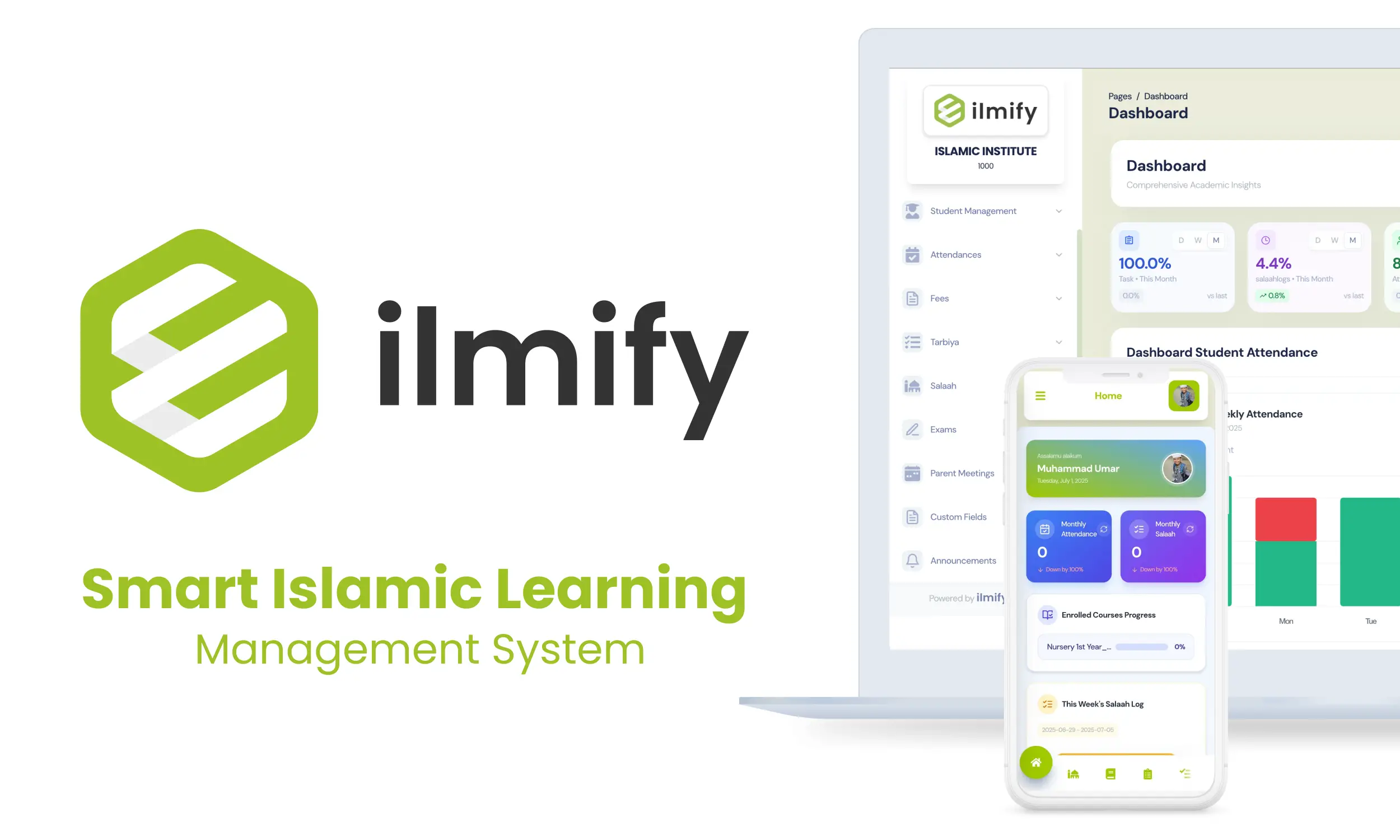
Ilmify is a dedicated Islamic education management platform — not a full mosque management system. It does not manage prayer timetables, Jumuah bookings, or mosque-wide finances. What it does do is provide:
Clear data boundaries. Maktab student data, teacher records, and fee collection are managed within Ilmify, separately from the mosque’s main financial records. The mosque treasurer can receive a monthly Ilmify fee report to incorporate into the mosque’s accounts.
Committee access without full admin rights. Mosque committee members can be given read-only access to Ilmify reports — seeing enrolment numbers, attendance rates, and Hifz progress without being able to edit student records or send parent communications.
Export for mosque records. Monthly reports can be exported from Ilmify as PDF or CSV and submitted to the mosque committee alongside other mosque reports — maintaining the mosque’s standard reporting format.
How Ilmify serves mosque-based institutions
Ilmify was designed with the mosque maktab as one of its primary institution types. The majority of institutions using Ilmify globally are mosque-based.
No dedicated computer required. The entire platform — teacher app, admin dashboard, parent portal — runs on smartphones. There is no need for a dedicated desktop computer in the mosque.
Offline mode for unreliable mosque Wi-Fi. Teachers mark attendance and log Hifz progress offline. The data syncs when they leave the classroom and reconnect.
Free plan for small mosque maktabs. A mosque maktab with fewer than 30 students can use Ilmify at no cost. The Community plan from £19/month covers up to 150 students.
Role-based access for imam, teachers, and committee. Each user sees only what is relevant to their role. The imam sees institution-wide reports. Teachers see their own classes. Committee members see summary dashboards.
Automated committee reports. Monthly summary reports — enrolment, attendance, Hifz progress, fee collection — are generated automatically and can be emailed to committee members without administrator intervention.
Conclusion
A mosque maktab management app must work in the real conditions of mosque-based Islamic education: no dedicated admin computer, unreliable Wi-Fi, volunteer teachers with minimal training time, shared physical space, and committee governance that needs data without complexity.
Ilmify is built for exactly this context. The platform runs entirely on smartphones, works offline, requires minimal training, tracks Hifz and attendance natively, generates committee-ready reports automatically, and is priced for community institutions — not mainstream schools.
Start managing your mosque maktab digitally → Try Ilmify free
Related articles
- Weekend Maktab and Sunday School Software →
- Madrasa Management App →
- How to Start a Maktab Step by Step →
- How to Run a Maktab Without an Admin →
- Hifz Tracking for Islamic Schools →
- Madrasa Attendance Management System →
- Moving from WhatsApp to School Management Software →
- After School Maktabs in Canada →




 Arabic
  English
  Malay
Malay  Urdu
Urdu